01 / PURCHASE RECORDS
Your receipt, with your tool
Connect a purchase document to the product it belongs to, instead of relying on a paper folder or a remembered email subject.

INTRODUCING TOOLVAULT
A new tool should come with more possibilities, not more paperwork. ToolVault by Tool Beast brings your product details and purchase documents together, so they are easier to find when you need them.
See how it works See what’s comingFor new purchases and the tools you already own.

Model · 1191VSRK
The right information is much more useful when it stays with the right tool.
01 / PURCHASE RECORDS
Connect a purchase document to the product it belongs to, instead of relying on a paper folder or a remembered email subject.
02 / PRODUCT DETAILS
Keep the model and serial number together. Similar-looking tools are easier to tell apart when the details are recorded.
03 / SERVICE PREPARATION
Have the product details and available purchase evidence ready when you contact a service provider or ask about warranty eligibility.
KEEP THE RECEIPT WITH THE PRODUCT
Save a readable digital copy with the product record. The next time you need proof of purchase, you have a place to look before digging through drawers or old emails. Keep originals where required.
HOW REGISTRATION WORKS
Have the product and purchase details beside you. The registration process guides you through the information needed for that tool.
Open ToolVault and choose Add tool. Search for the brand and model, or use the missing-model request if needed.
Enter the serial number where required and add clear model or serial-label photos when requested.
Add the purchase date, retailer and receipt. If you do not have a receipt handy, choose the relevant option in the form.
Check the details before submitting the product record. A registration is not a guarantee of warranty approval.
A SMALL HABIT THAT HELPS LATER
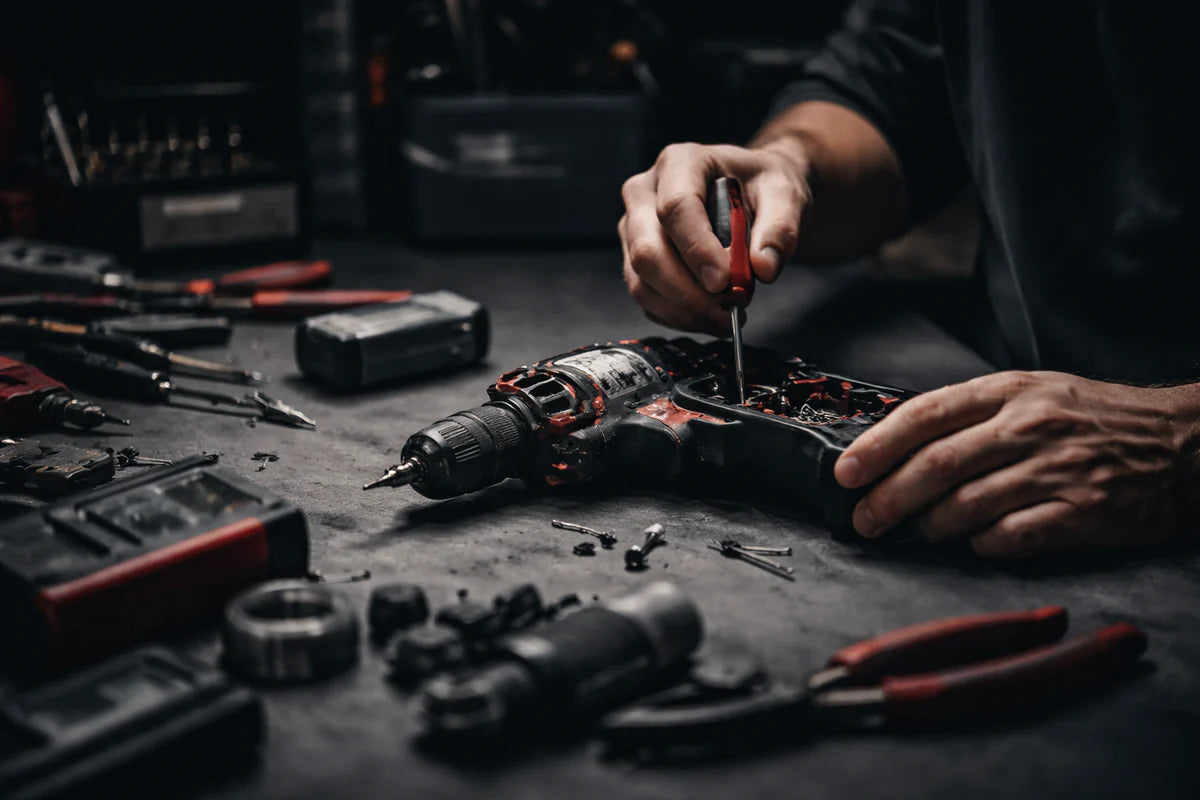
A repair enquiry often starts with the basics: which model is it, what is the serial number, and when was it purchased? Keeping those details together gives you a clearer starting point for the conversation.
COMING SOON TO TOOLVAULT
A saved receipt is a useful start. Next, we want to connect your tool records with repairs, maintenance and the people who rely on your equipment.
The features below are planned and will be introduced in phases. Release dates, availability and any applicable terms will be confirmed as each feature becomes ready.
Choose a registered tool and begin a repair request with its identifying details already in place. Add the problem and relevant photos to help the service team understand what needs attention.
Start a mail-in request from the tool record and find the applicable packing and shipping instructions. Available shipping options, costs and service eligibility will be confirmed for the request.
See customer-facing repair updates alongside the tool they belong to. Build a clearer record of previous service so the next enquiry starts with more context.
Keep applicable warranty documents and certificates of approved coverage with the tool. A ToolVault record will not automatically create or extend a manufacturer's warranty.
Additional protection is planned for eligible tools, with coverage information kept alongside the product record. Eligibility, pricing, coverage periods and terms will be confirmed before the offering launches.
Planned reminders will help you prepare for routine care, inspections and seasonal use, based on applicable schedules or your preferences. Think mower preparation before spring, rather than a forgotten task on a busy Saturday.
A shared business view is planned for owners, administrators and staff, with appropriate access to tool records. Organise equipment by location or crew and make responsibility easier to see.
Automatic Tool Beast order details and receipt imports are planned to reduce repeated entry after a purchase. Tools from other retailers will still have a place in ToolVault through the supported registration process.
Planned access to available manuals and support guides will help keep useful product information close to the tool record. Document availability will depend on the model and its source material.
FOR YOUR HOME
Organise the tools that keep your home, garden and weekend projects moving.
Explore ToolVault for homeFOR YOUR BUSINESS
Bring product details and purchase documents together for the tools your business relies on.
Explore ToolVault for businessA FEW PRACTICAL ANSWERS
No. ToolVault includes registration for tools purchased from Tool Beast and other retailers. Available product types, registration options and account limits apply.
Yes. The registration process supports existing tools as well as new purchases. Start with the product details you can identify and the purchase evidence you have.
The registration form includes options to add a receipt later or indicate that you do not have one. Missing proof of purchase can affect a manufacturer's warranty assessment.
No. ToolVault helps organise records. Manufacturer terms, proof-of-purchase requirements and any separate manufacturer registration still apply.
Automatic Tool Beast order details and receipt imports are planned. Until that feature is released, follow the registration form to add the relevant tool and purchase document. You can also register supported tools purchased from other retailers.
The features in the coming-soon section describe what is planned for ToolVault. They will be introduced in phases; launch dates, availability and any applicable terms will be confirmed as each feature is ready.
A planned certificate will record applicable, approved coverage. It will not automatically replace a manufacturer's warranty document, extend its terms or guarantee that a claim will be accepted.
Shipping options and any charges will depend on the tool, destination and applicable service or coverage terms. Those details will be confirmed for the request; free shipping is not promised.
TOOLVAULT BY TOOL BEAST
Start with one tool. Keep its receipt and identifying details together, then build your records from there.