01 / EVERYDAY TOOLS
Give the paperwork a home
Keep receipts with the tools they belong to, from workshop essentials to supported lawn and garden equipment.

TOOLVAULT FOR YOUR HOME
The drill for your next project. The mower for Saturday morning. The snow blower you will need when winter arrives. Give their paperwork a home, too.
See how it works See what’s comingStart with one tool. Add the rest at your own pace.

Model · 2823-20
You do not need a garage full of equipment to benefit from knowing where the important details are.
01 / EVERYDAY TOOLS
Keep receipts with the tools they belong to, from workshop essentials to supported lawn and garden equipment.
02 / SMALL DETAILS
Record identifying information once so you have a reference when you need to look up the right product.
03 / YOUR OWN PACE
Begin with a recent purchase or the tool you use most. You do not have to organise everything in one sitting.
KEEP THE RECEIPT WITH THE PRODUCT
Paper receipts fade. Inboxes fill up. Save a clear digital copy alongside your product details while everything is still in front of you. Keep originals where required.
HOW REGISTRATION WORKS
After the purchase, gather the model information, any required label photos and your receipt. Then follow the guided registration process.
In ToolVault, choose Add tool and search for the brand and model. Use the missing-model request if you cannot find it.
Enter the identifying information requested for that product and add any required label photos.
Upload a readable receipt and add the purchase information, or select the option to add your receipt later.
Review the details and submit. Return to the product record when you need its information.
WHEN SOMETHING NEEDS FIXING
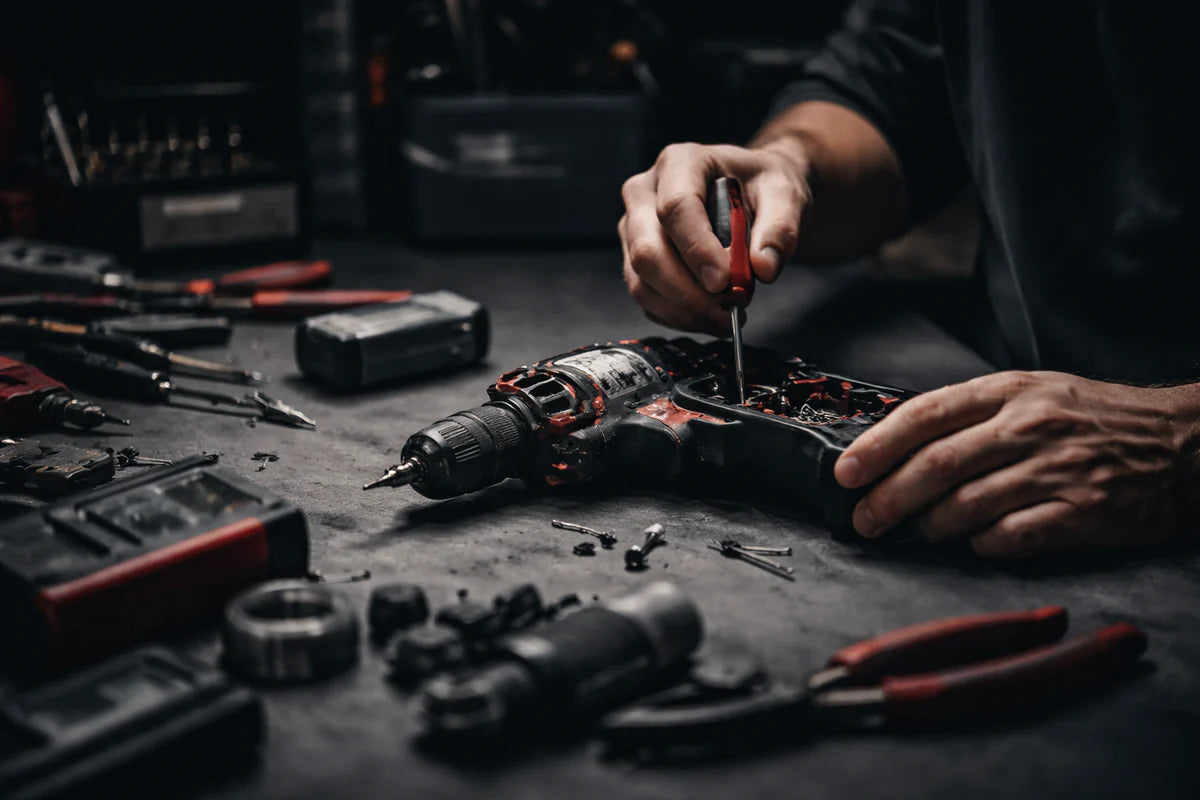
Imagine your drill stops working halfway through a project. With its model, serial number and saved receipt together, you can prepare a service enquiry without first searching the junk drawer. Warranty eligibility still depends on the manufacturer's terms.
COMING SOON TO TOOLVAULT
From a drill that needs attention to a mower coming out of winter storage, the next ToolVault features are planned around everyday ownership.
The features below are planned and will be introduced in phases. Release dates, availability and any applicable terms will be confirmed as each feature becomes ready.
Select the drill or other registered tool that needs help, describe the problem and attach relevant photos. Its saved model and serial details will provide a starting point for the request.
For eligible repairs, begin a mail-in request and find the relevant packing and shipping instructions. Shipping arrangements and costs will be confirmed before you send the tool.
Planned reminders will help with routine maintenance and seasonal preparation, such as getting a mower ready for spring. Set reminders around applicable care schedules or your own preferences.
Store applicable warranty documents and certificates of approved coverage beside the tool and receipt. This will make the paperwork easier to find when you need to ask about coverage.
Extended warranty options are planned for eligible tools. The available protection, price, eligibility rules and coverage period will be explained before you decide whether an option fits your needs.
Planned repair updates and service history will help you follow the work and find earlier service information when the same tool needs attention again.
Keep available model-specific manuals and support information within reach of the product record, so you have a clearer place to start when looking up how to care for a tool.
Automatic Tool Beast order and receipt imports are planned to simplify the paperwork after shopping. Supported tools bought elsewhere will still be welcome through registration.
THE BIG PICTURE
See how product details and purchase records fit together.
Explore all the benefitsTOOLS FOR WORK
Explore a more organised approach to business tool records.
Explore ToolVault for businessA FEW PRACTICAL ANSWERS
Yes. A single product record can bring the model, serial number and purchase document together. Start with the tool whose paperwork you most want to organise, so the information is easier to find for a service or warranty enquiry.
ToolVault is intended for supported tools and outdoor equipment. Search for the product brand and model during registration; use the missing-model request if it is not listed.
ToolVault includes an option to record another retailer. Purchases do not have to come from Tool Beast; available product types and account limits still apply.
Select the no-receipt option and record the details you do have. Registration does not establish automatic warranty eligibility. Depending on the manufacturer and its terms, a manufacturing date may help with a coverage review.
The choice is yours. Keep originals where they may be required. A digital copy makes information easier to find, but manufacturers or tax agencies and other providers can have their own document requirements.
The coming-soon features will be introduced in phases. Release dates, availability and any applicable terms will be confirmed as each one is ready. Contact Tool Beast if you would like to discuss a particular feature.
No. Saving a receipt helps organise purchase evidence. Any future extended warranty offering will have its own eligibility, pricing and coverage terms, which will be provided before purchase.
TOOLVAULT BY TOOL BEAST
While the receipt is handy and the model label is easy to reach, gather the details you will be glad to have later.