01 / CONSISTENCY
The same essentials for every tool
Keep model, serial and purchase information in a consistent record, instead of relying on different naming habits across folders.

TOOLVAULT FOR YOUR BUSINESS
Your tools have a job to do. Their paperwork should help, too. ToolVault brings identifying details and purchase documents together for the equipment your business relies on.
See how it works See what’s comingFor contractors, trades and property-maintenance businesses.

Model · recorded with the tool
Replace scattered reference points with a consistent place to keep the details for each registered tool.
01 / CONSISTENCY
Keep model, serial and purchase information in a consistent record, instead of relying on different naming habits across folders.
02 / PURCHASE EVIDENCE
Associate a receipt or supported purchase document with the relevant tool so the connection is easier to follow later.
03 / SERVICE PREPARATION
Prepare the identifying information and available purchase evidence before contacting a service provider.
KEEP THE RECEIPT WITH THE PRODUCT
A receipt in one inbox and a serial number on another sheet are easy to separate. Keep a readable purchase document with the product it belongs to. Keep original records where required.
HOW REGISTRATION WORKS
When a new tool arrives, capture the product details and purchase evidence before the packaging and paperwork go their separate ways.
Choose Add tool in ToolVault. Find the exact brand and model, or submit a missing-model request.
Enter the serial number where required and add the product-label photos requested by the form.
Record the retailer and purchase details, then attach a readable receipt or supported purchase document.
Check the information belongs to that specific tool. Complete the record before starting the next registration.
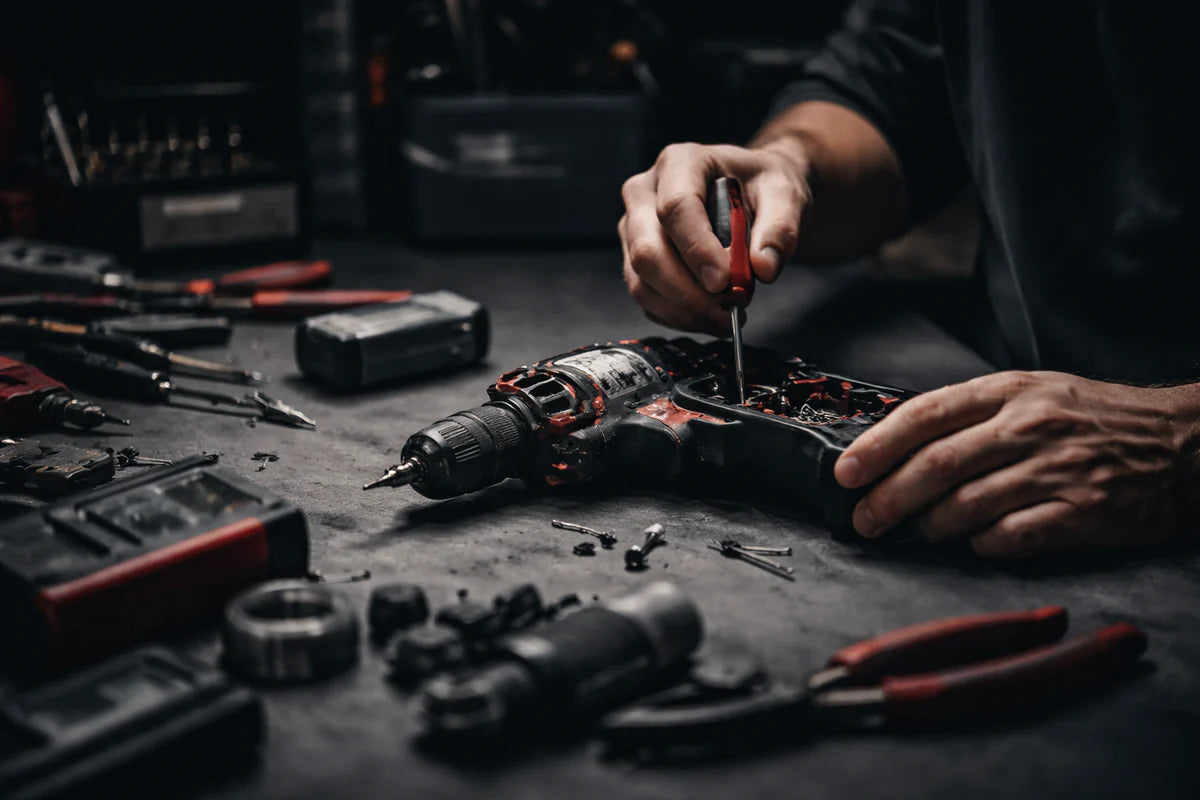
WHEN A WORKING TOOL NEEDS ATTENTION
When two tools look the same, the serial number tells you which one you are discussing. With that identifier, the model and available purchase evidence together, you can prepare a clearer service or warranty enquiry. ToolVault does not guarantee coverage, repair availability or turnaround times.
COMING SOON TO TOOLVAULT
The next business features are planned to connect people, equipment and service records, so useful information is easier to find across your operation.
The features below are planned and will be introduced in phases. Release dates, availability and any applicable terms will be confirmed as each feature becomes ready.
Invite team members into a shared business view with clear roles for owners, administrators and staff. Access to records and actions will follow the permissions set for each role.
Group equipment by location, crew or jobsite and assign responsibility for individual tools. Give people a clearer way to identify the equipment they use and who is responsible for it.
Begin a repair request with the tool's saved identifying information, then add the fault description and photos. Eligible mail-in requests will connect the packing and shipping steps to the same tool.
Keep applicable coverage documents and certificates of approved coverage with business tool records. Staff with appropriate access will have a clearer starting point when preparing a coverage enquiry.
Use planned reminders for routine care, inspections and seasonal preparation, based on applicable schedules or preferences. Bring maintenance tasks into view before a busy period.
Follow customer-facing repair updates and retain the service context for each tool. Help the next employee or administrator understand previous work without searching through separate conversations.
Extended warranty options are planned for eligible equipment. Coverage, exclusions, pricing, duration and any rules for business use will be confirmed before plans are offered.
Business reporting is planned to make registered equipment and service activity easier to review. Report content and export formats will be confirmed as these capabilities develop.
TOOLVAULT OVERVIEW
Understand the core approach to product records and receipts.
Explore ToolVaultTOOLS AT HOME
See how the same record-keeping habit helps with your household tools.
Explore ToolVault for homeA FEW PRACTICAL ANSWERS
Contractors, tradespeople, property-maintenance businesses and other organisations that need clearer records for their tools and equipment.
ToolVault includes other-retailer purchase records, so registration is not limited to Tool Beast purchases. Supported product types, available account options and registration limits apply.
The registration form supports purchase documents alongside product details. Whether a particular document is accepted as proof of purchase for a claim depends on the manufacturer's requirements.
Team access, tool assignments and business reporting are planned additions. Reporting formats, imports and any insurance or tax-document use will need to be confirmed before you rely on them. Contact Tool Beast to discuss the requirements that matter to your business.
No. Registration helps organise the information used in an enquiry. Coverage and claim decisions depend on the applicable manufacturer's terms and assessment.
No. The planned business experience includes appropriate roles and permissions for owners, administrators and staff. The exact permission options will be confirmed before team access is released.
Estimate visibility and approval are part of the longer-term service roadmap. The available actions and approval process will be confirmed when that workflow is ready; they are not active on these information pages.
TOOLVAULT BY TOOL BEAST
Tell Tool Beast about the tools your business uses and the records you need to organise. We can discuss where ToolVault fits.